


How to Renew Your Services
To renew your services and avoid interruptions, please follow these steps:
- Log in to your Client Area.
- Go to Services > My Services.
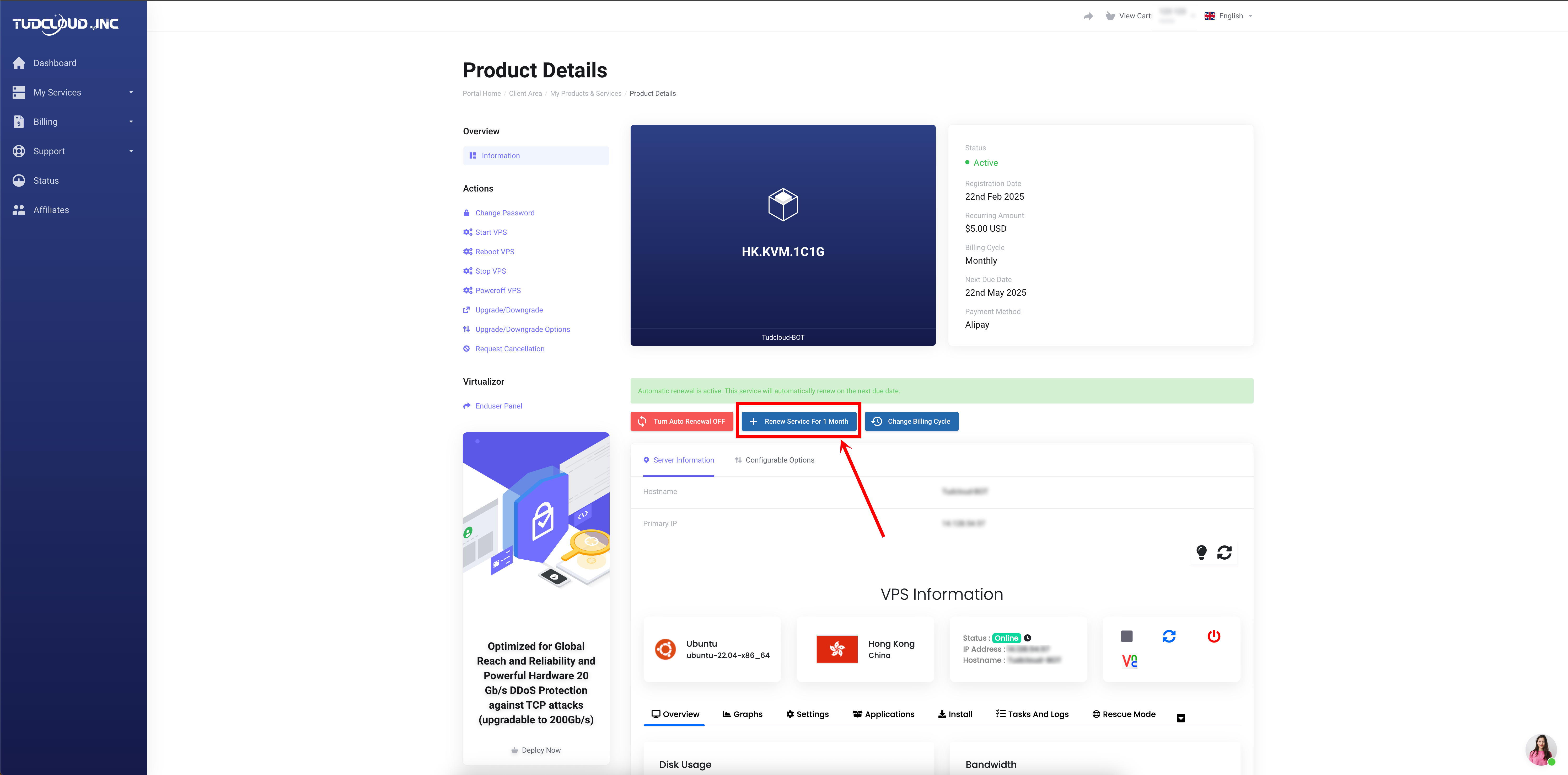
- Find the service you want to renew and click the Renew Service For 1 Month button.
How to Disable Automatic Renewal
- Go to Services > My Services.
- Click on the service you want to modify.
- Look for the Settings or Manage button.
- Click Disable Automatic Renewal.
How to Change the Billing Cycle
- Click on the service name to open the details page.
- the Change Billing Cycle button.
- Choose your preferred billing cycle (e.g., Monthly, Quarterly, Annually) and confirm.